Project settings – Translation
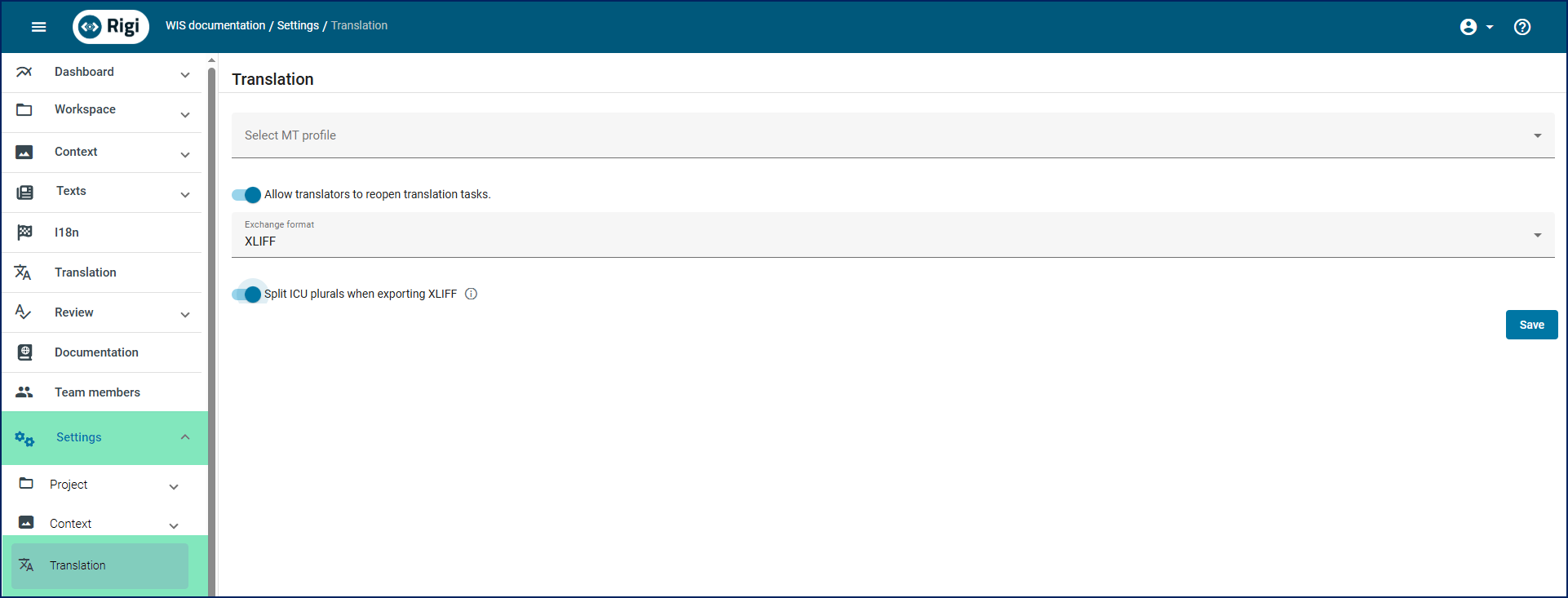
To access this section, in the project menu, select Settings > Translation.
Setting | Description |
|---|---|
Select MT profile | (Optional) Select a profile that specifies the required MT engine and settings for project language pairs. For details, see the MT providers and MT profiles section. |
Allow translators to reopen translation tasks | If this setting is disabled, translators cannot reopen a translation task after they have completed it. Only a project manager can then reopen completed translation tasks. By default, this setting is taken from the server settings. For details, see the Configure general review settings guide. |
Exchange format | Select the default format for exchanging files with third-party tools. |
Split ICU plurals when exporting XLIFF | Switch this toggle on to split ICU plural forms while exporting XLIFF files. This will enable translators to localize specific grammatical forms as regular segments. |